

Google Business Profile: How to Build a Professional Profile That Increases Your Business Visibility

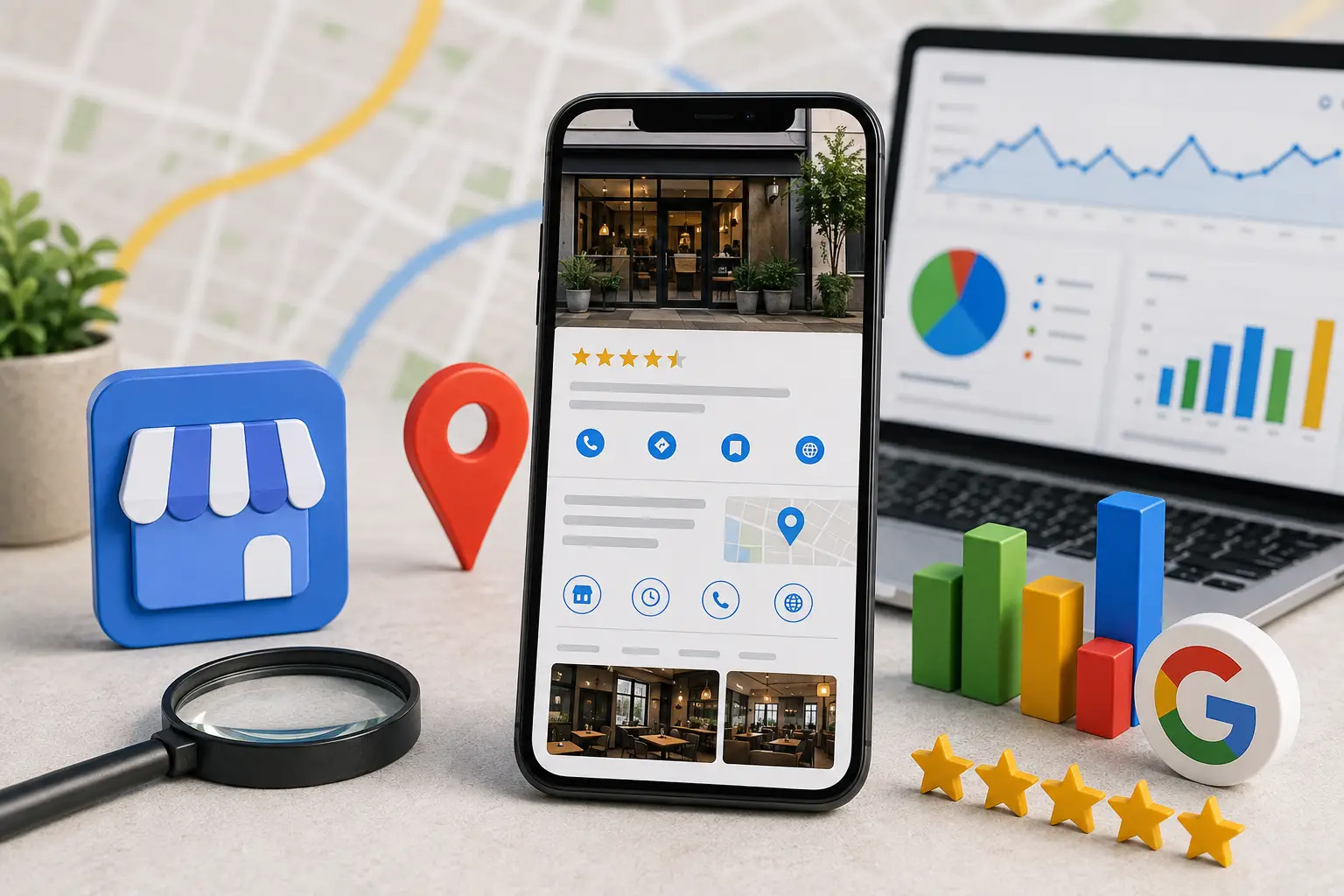
If you own a business, you’ve probably heard of Google Business Profile, but many business owners believe that simply creating a profile is enough to achieve great results.
In reality, creating the profile is only the beginning.
Real success depends on how well you optimize and manage it over time.
A complete and professional business profile helps customers quickly understand your business while providing Google with accurate information that makes it easier to show your business to the right people at the right time.
When customers search for a nearby product or service, Google doesn’t display every business equally.
Instead, it prioritizes profiles that include complete information, recent photos, positive reviews, and regular activity.
That’s why optimizing your Google Business Profile has become one of the most important parts of Local SEO. It not only increases your visibility but also helps convert searchers into real customers.
Why Is Optimizing Your Google Business Profile More Important Than Simply Creating It?
Anyone can create a business profile in just a few minutes.
However, not every profile delivers the same results.
You may find two businesses operating in the same industry and city, yet one receives significantly more calls and visits than the other.
In many cases, the difference comes down to the quality of the business profile.
A professional Google Business Profile offers many benefits, including:
- Increasing customer trust.
- Improving visibility in local search results.
- Boosting click-through rates.
- Generating more phone calls and direction requests.
- Enhancing the customer experience.
- Reducing repetitive customer questions.
- Clearly showcasing your products and services.
For this reason, your Google Business Profile should be treated as one of your business’s most valuable digital assets—not simply a page displaying your business name and address.
What Does a Google Business Profile Include?
A professional Google Business Profile consists of several elements that work together to present a complete picture of your business.
| Element | Purpose |
|---|---|
| Business Name | Clearly identifies your business. |
| Primary Category | Helps Google understand your main business activity. |
| Secondary Categories | Expands your visibility for additional search terms. |
| Business Description | Explains your services and value to customers. |
| Services | Shows what customers can receive from your business. |
| Products | Displays products directly inside your profile. |
| Photos | Builds trust and highlights your business quality. |
| Videos | Gives customers a more realistic impression of your business. |
| Posts | Shares offers, updates, and business news. |
| Reviews | Demonstrates service quality through customer feedback. |
| Business Information | Makes it easy for customers to contact and locate your business. |
Every element contributes to improving your profile, so neglecting even one section can reduce both customer confidence and your visibility in Google Search.
How to Choose the Right Business Name
Your business name is one of the first things both Google and your customers see, so it should always be accurate and natural.
Use your official business name exactly as it appears on your:
- Business registration.
- Storefront sign.
- Website.
- Official social media accounts.
For example, if your company is legally registered as:
Be One Digital Solutions
use that exact name.
Do not add promotional phrases such as:
- Best Company
- Number One
- Huge Discounts
- Special Prices
- Fastest Service
Adding promotional keywords to your business name may result in your profile being reviewed—or even suspended—if Google determines that it violates its policies.
Can You Add Keywords to Your Business Name?
This is one of the most common questions business owners ask.
The short answer is:
No—unless those keywords are officially part of your registered business name.
For example, if your legal company name is:
Al Noor Furniture
you should not change it to:
Al Noor Furniture – Best Home Furniture in Riyadh
This type of modification violates Google’s guidelines.
Instead, place your target keywords naturally inside your:
- Business description.
- Services.
- Posts.
—not in your business name.
How to Choose the Right Primary Category
Your primary category is one of the most important optimization factors because it tells Google exactly what your business does.
Always choose the category that best represents your core business.
Examples include:
| Business | Primary Category |
|---|---|
| Restaurant | Restaurant |
| Dental Clinic | Dental Clinic |
| Marketing Company | Marketing Agency |
| Law Office | Law Firm |
| Electronics Store | Electronics Store |
| Software Company | Software Company |
Avoid selecting a broad category when a more specific one is available.
Why Are Secondary Categories Important?
After selecting your primary category, you can add secondary categories to describe additional services your business provides.
For example, if you own a dental clinic, your primary category might be:
Dental Clinic
You could then add secondary categories such as:
- Cosmetic Dentist
- Orthodontist
- Dental Implants Provider
If you manage a marketing agency, your secondary categories could include:
- SEO Agency
- Advertising Agency
- Website Designer
- Marketing Consultant
These additional categories help Google understand the full range of your services and improve your chances of appearing in more local searches.
find out: the best SEO Services
How to Write a Professional Business Description
Your business description is your opportunity to explain:
- Who you are.
- What you offer.
- Why customers should choose your business.
A strong description should:
- Clearly explain your business.
- Focus on customer needs.
- Highlight your strengths.
- Use natural language.
- Include your most important services.
- Naturally incorporate relevant keywords.
Avoid promotional phrases such as:
- We are the best.
- Number one company.
- Unbeatable prices.
Instead, focus on providing useful information that helps customers understand your business.
Example of a Professional Business Description
If you operate a digital marketing agency, your description could look like this:
We provide digital marketing services, website design, search engine optimization (SEO), and online advertising management for businesses and eCommerce stores. Our focus is on delivering measurable results while improving visibility in both local and global search results.
This type of description provides useful information for customers while giving Google a clearer understanding of your business.
How Your Business Description Helps You Get More Customers
Although your business description isn’t the only ranking factor, it directly influences customer decisions.
A well-written description helps to:
- Explain your services quickly.
- Build trust.
- Increase click-through rates.
- Reduce repetitive questions.
- Encourage customers to contact your business.
The clearer and more professional your description is, the more likely customers are to choose your business over your competitors.
Why Is Complete Business Information So Important?
One of the most common mistakes business owners make is adding only their business name and address while leaving the rest of their profile incomplete.
Be sure to include:
- Phone number.
- Website.
- Business hours.
- Service areas.
- Booking link.
- Accepted payment methods (if available).
Every additional piece of information reduces customer uncertainty and makes it easier for people to contact your business.
How to Improve the Services Section in Your Google Business Profile
The Services section is one of the most valuable parts of your Google Business Profile because it helps both Google and potential customers understand exactly what your business offers.
Unfortunately, many businesses add only one or two services, even though this section can be used to showcase every service in an organized way.
Every service you add helps Google better understand your business while giving customers a clearer picture of what they can expect before contacting you.
For example, if you run a digital marketing agency, don’t simply list:
Marketing Services
Instead, create individual service listings such as:
- Search Engine Optimization (SEO)
- Google Ads Management
- Social Media Management
- Website Design
- Content Writing
- Google Business Profile Optimization
- Local SEO Optimization
If you own a dental clinic, you could list:
- Dental Checkups
- Teeth Cleaning
- Dental Implants
- Orthodontics
- Root Canal Treatment
- Teeth Whitening
Each individual service increases your chances of appearing when customers search for that specific service.
How to Make Your Services More Effective
To get the most value from your Services section:
- Use clear, easy-to-understand service names.
- Avoid unfamiliar abbreviations.
- Add every service you genuinely provide.
- Update the list whenever you introduce new services.
- Remove services you no longer offer.
A regularly updated services list builds customer confidence while reducing repetitive inquiries.
How to Use the Products Section Professionally
If your business sells products, the Products section is an excellent opportunity to display them directly inside your Google Business Profile.
You can add:
- Product name.
- Professional product photo.
- Short description.
- Price (if fixed).
- Link to the product page on your website.
Displaying products inside your profile allows customers to explore what you offer before visiting your website or physical store.
Which Products Should You Display?
If your business has hundreds of products, you don’t need to upload every item.
Start with:
- Best-selling products.
- New arrivals.
- Seasonal products.
- High-profit products.
- Products customers search for most often.
After that, continue updating your product list regularly to keep it fresh and relevant.
How Products Help Increase Customers
Adding products to your Google Business Profile helps you:
- Increase website clicks.
- Improve the customer experience.
- Reduce repetitive questions.
- Encourage purchasing decisions.
- Highlight the variety of products you offer.
Products also give Google additional information about your inventory, helping your business appear in more relevant searches.
Why Are Photos One of the Most Important Parts of Your Profile?
Many business owners report that photos are often the first thing customers notice inside a business profile.
That’s why photos should be considered part of your marketing strategy—not just decorative elements.
Upload authentic photos of your:
- Storefront.
- Entrance.
- Team members.
- Products.
- Services.
- Workplace.
- Company vehicles or equipment (if relevant).
- Company logo.
Every genuine photo increases customer trust.
What Makes a Professional Business Photo?
Your business photos should be:
- Clear.
- Well-lit.
- Recent.
- Free from watermarks.
- Authentic.
- High quality.
Avoid using:
- Duplicate images.
- Photos copied from the internet.
- Very old photos.
- Images filled with promotional text.
Authentic visuals create a much stronger impression than stock photography.
How Often Should You Update Your Photos?
You don’t need to upload dozens of photos every week.
However, adding new photos regularly—such as once a month or whenever you launch a new product or service—helps keep your business profile active and engaging.
find out: modern website design in 2026
Is Video Important in Google Business Profile?
Yes.
Videos have become an increasingly valuable feature because they give customers a more realistic view of your business.
You can upload short videos showing:
- Your business location.
- How your services are delivered.
- Your team.
- Your products.
- Production processes.
- Order preparation.
- Before-and-after service results.
Your videos don’t need professional production, but they should always be clear, authentic, and relevant to your business.
How to Use Posts Effectively
Business posts are one of the most overlooked features of Google Business Profile, even though they show customers that your business is active.
Use posts to share:
- New offers.
- Discounts.
- New branch openings.
- New product launches.
- Helpful industry tips.
- Upcoming events.
- Holiday business hours.
Businesses that publish regular updates create a much stronger impression than businesses that haven’t updated their profiles in months.
What Makes a Successful Business Post?
Every business post should include:
- A clear headline.
- An attractive image.
- A short description.
- A strong call to action.
Examples include:
- Book Now
- Contact Us
- Learn More
- Order Today
Every post should have a clear objective rather than simply publishing content for the sake of activity.
How Each Profile Element Affects Your Business
The table below highlights how different elements of your Google Business Profile influence both customer trust and your visibility in Google Search.
| Profile Element | Impact on Customer Trust | Impact on Google Visibility |
|---|---|---|
| Business Name | High | High |
| Primary Category | Medium | Very High |
| Secondary Categories | Medium | High |
| Business Description | High | Medium |
| Services | High | High |
| Products | High | Medium |
| Photos | Very High | Medium |
| Videos | High | Medium |
| Posts | Medium | Medium |
| Reviews | Very High | Very High |
| Review Responses | High | Medium |
| Updated Information | High | High |
The table clearly shows that success doesn’t depend on a single feature.
Instead, long-term performance comes from optimizing every section of your Google Business Profile consistently.
Why Should You Review Your Google Business Profile Regularly?
Business information changes over time.
Your:
- Business hours.
- Services.
- Products.
- Phone numbers.
- Website.
may all change as your business grows.
If these details are not updated, customers may lose trust in your business or attempt to contact you using outdated information.
For this reason, you should review your Google Business Profile at least once every month to ensure all information remains accurate and up to date.
Case Study: Complete vs. Incomplete Google Business Profile
To better understand the importance of optimizing your Google Business Profile, compare these two businesses operating in the same industry and offering similar services.
Example 1: A Complete Business Profile
This company has:
- An official business name.
- An accurate primary category.
- Multiple secondary categories.
- A professional business description.
- All services listed.
- Updated products.
- More than 100 authentic photos.
- Short videos.
- Weekly business posts.
- Responses to every customer review.
- Regular updates to business hours.
Example 2: An Incomplete Business Profile
The competing company only includes:
- Business name.
- Phone number.
- Address.
- Two outdated photos.
- No business description.
- No services.
- No products.
- No business posts.
- No responses to customer reviews.
- No updates for over a year.
Comparing the Two Business Profiles
| Factor | Complete Profile | Incomplete Profile |
|---|---|---|
| Customer Trust | Very High | Low |
| Customer Engagement | High | Weak |
| Phone Calls | Higher | Lower |
| Direction Requests | Higher | Lower |
| Website Clicks | High | Low |
| Customer Experience | Excellent | Limited |
| Likelihood of Being Chosen | High | Low |
Although both businesses offer the same services, the complete profile provides customers with more useful information and builds confidence before they even make contact.
That confidence often translates directly into more customers.
Google Business Profile Optimization Checklist
Use this checklist to evaluate whether your business profile is complete and professionally optimized.
Basic Information
☐ Business name matches your official business name.
☐ Correct primary category selected.
☐ Relevant secondary categories added.
☐ Phone number is correct and working.
☐ Website is up to date.
☐ Address is accurate.
☐ Business hours are current.
☐ Service areas are configured (if applicable).
Content
☐ Professional business description.
☐ All services listed.
☐ Main products added with photos.
☐ High-quality company logo uploaded.
☐ Recent business photos uploaded.
☐ Short videos added when appropriate.
☐ Recent business posts published.
☐ Seasonal offers or announcements shared.
Customer Engagement
☐ Every customer review has a response.
☐ Questions & Answers section is monitored.
☐ Information is updated whenever changes occur.
☐ Business Insights are reviewed regularly.
If most of these boxes are checked, your Google Business Profile is already in a strong position to attract more customers.
Best Practices for Optimizing Your Google Business Profile
Optimizing your profile isn’t a one-time task.
It’s an ongoing process.
Some of the best practices include:
- Upload new photos regularly.
- Review your business information every month.
- Update your services whenever new ones are introduced.
- Remove products that are no longer available.
- Publish business updates consistently.
- Encourage customers to leave genuine reviews.
- Write a clear business description focused on customer needs.
- Monitor your Business Insights.
- Keep your website information consistent with your Google Business Profile.
Small, consistent improvements produce better long-term results than occasional major updates.
Common Mistakes That Weaken Your Google Business Profile
Your profile may have existed for years but still fail to generate results because of common mistakes such as:
- Using a business name that doesn’t match your official name.
- Choosing the wrong business category.
- Leaving the business description empty.
- Not adding services.
- Failing to update products.
- Uploading low-quality photos.
- Ignoring customer reviews.
- Never publishing business updates.
- Frequently changing business information without reason.
- Having inconsistent business information across your website and Google Business Profile.
Avoiding these mistakes improves both the customer experience and your local search visibility.
How to Review Your Business Profile Every Month
Set aside 20–30 minutes at the beginning of each month to review your Google Business Profile.
Ask yourself:
- Is all my business information still accurate?
- Have I uploaded new photos?
- Are there new services I should add?
- Do any products need updating?
- Have I responded to every review?
- Are there new customer questions waiting for answers?
- Have I published a business update this month?
- Have my business hours changed?
This simple monthly review keeps your profile active and prevents outdated information from affecting your customers.
find out: the best ai optimization company
How to Tell If Your Google Business Profile Is Improving
Several indicators show that your optimization efforts are working.
Look for increases in:
- Appearances in Google Search.
- Incoming phone calls.
- Direction requests.
- Website visits.
- New customer reviews.
- Photo views.
- Engagement with your business posts.
These improvements indicate that your Google Business Profile is becoming more effective at attracting customers.


